
Welcome to your comprehensive guide on mastering system architecture and modeling. In the world of software engineering and business process management, the ability to visualize complex systems is a superpower. This tutorial focuses on the Visual Paradigm Community Edition, a powerful desktop tool designed specifically for students, individual contributors, and early-stage startups.
While the Professional and Enterprise editions offer robust team collaboration and automated code generation, the Community Edition serves as the foundational training ground for understanding the core mechanics of Unified Modeling Language (UML) and System Modeling Language (SysML).
Understanding the Target Audience
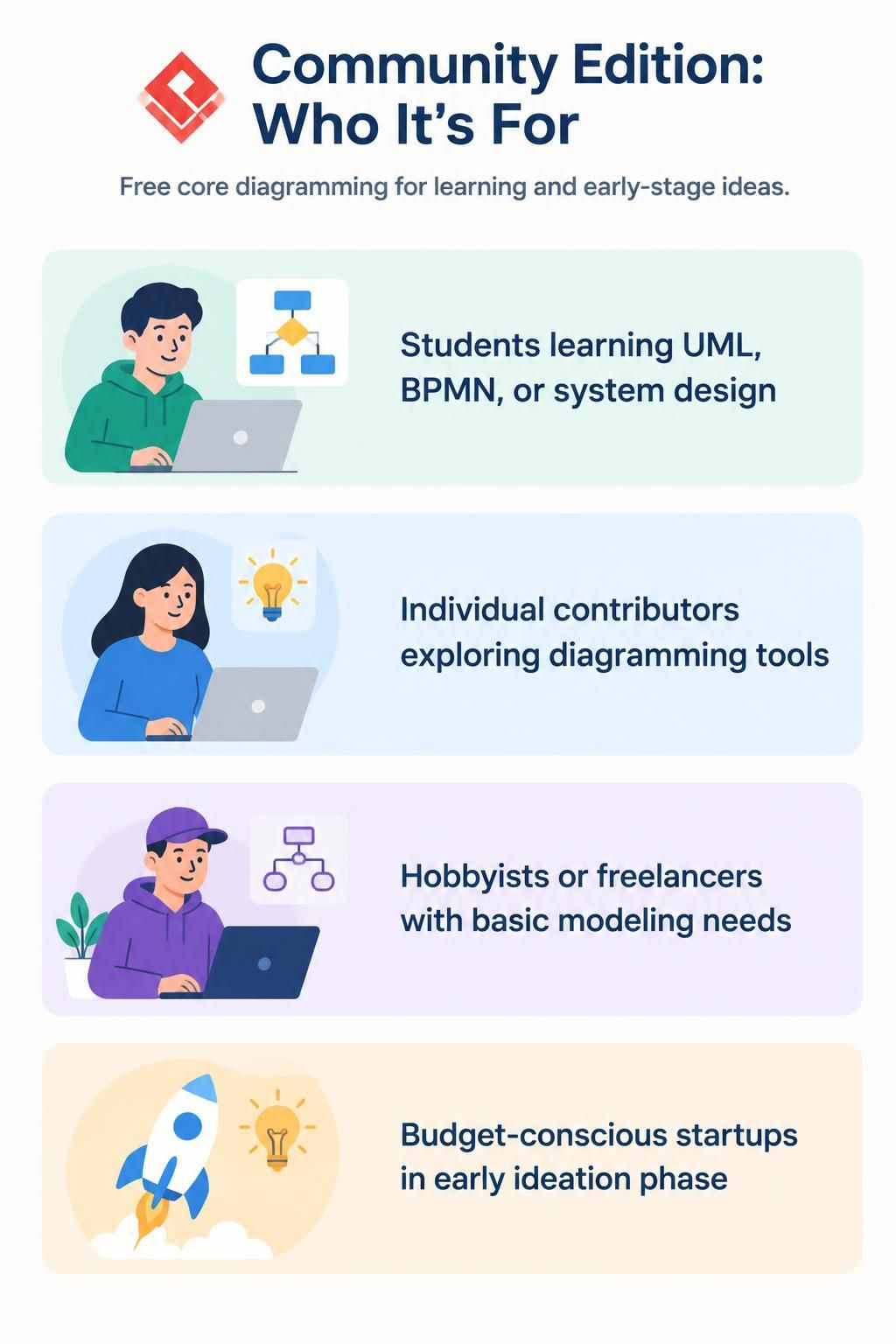
The Community Edition is not designed for large-scale enterprise collaboration; it is a specialized tool for the individual learner and the early-stage creator. It is ideal for:
- Students: Those learning the theoretical underpinnings of UML, BPMN (Business Process Model and Notation), or system design.
- Individual Contributors: Freelancers or developers who need to document their own logic without the overhead of a team license.
- Hobbyists: Enthusiasts building personal projects that require basic system modeling.
- Startups: Budget-conscious teams in the ideation phase who need to validate concepts before investing in enterprise tools.
Core Modeling Capabilities
What makes this edition a viable tool for serious learning? It retains the “Core Diagramming” engine of the desktop application. This means you are not working with a stripped-down version of the software; you are working with the full engine, minus the advanced enterprise features.
1. UML and SysML
The heart of Visual Paradigm is its support for UML. In the Community Edition, you gain access to:
- Standard Notation UML: Essential for object-oriented design, including Class Diagrams, Use Case Diagrams, and Sequence Diagrams.
- SysML (Basic): System Modeling Language is crucial for systems engineering. The Community Edition supports basic SysML, allowing you to model requirements and block definitions.
- Flowcharts: For general logic flow and algorithmic planning.
2. ERD and Organizational Charts
Data architecture is just as important as software architecture. The Community Edition supports:
- ERD (Entity Relationship Diagrams): Standard notation is fully supported, making it perfect for database schema design.
- Organization Charts: Basic support is available for mapping team structures.
- Mind Mapping: Partial support allows for initial brainstorming and idea structuring.
The Learning Curve: Limitations to Understand
To use this tool effectively, you must understand what it does not do. These limitations are designed to prevent the Community Edition from competing with the Professional suite, forcing users to focus on the design rather than the deployment.
What is Excluded?
- Advanced Process Notations: There is no support for BPMN, DFD variants, SoaML, or CMMN. If your focus is strictly on business process automation, you will need a higher tier.
- Engineering Automation: The tool does not generate code (Java, C#, Python) or database scripts. It is a design tool, not a code generator.
- UX and Project Management: There are no integrated UX design tools (wireframing) or agile project management features.
- Documentation Generation: The “Doc. Composer” feature, which automates the creation of PDF or HTML documentation from your diagrams, is not available.
Workflow and Collaboration
In a professional setting, version control and real-time collaboration are vital. In the Community Edition, the workflow is local-first.
You will work on a single file locally on your machine. While you can export your work, you do not have access to a cloud repository or concurrent editing. If you are working alone, this is a non-issue. If you are working in a team, you will likely need to manage file versions manually (e.g., via email or shared drives).
Practical Application: Designing Your First System
Let’s walk through the mental model of using this tool. Imagine you are designing a simple Library System.
Step 1: Requirement Gathering
Before drawing lines, you define your actors (Librarian, Patron) and their goals. This is where you would use the Use Case Diagram.
Step 2: Structural Design
Next, you define the data. You need to know what a “Book” is and what a “User” is. This is the Class Diagram phase.
Step 3: Interaction Design
Finally, you map out how a user borrows a book. You draw the sequence of events. This is the Sequence Diagram phase.
Export and Output
When your design is complete, you can export it. Be aware that while the Community Edition allows for various export formats, you may encounter limitations such as watermarks in certain output cases or limited integration with external tools like Jira or Confluence.
Conclusion
The Visual Paradigm Community Edition is a robust, professional-grade tool for anyone who needs to learn system architecture. It strips away the enterprise complexity to leave you with the pure power of modeling. Whether you are a student in your first semester or a freelancer sketching the next big app, this tool provides the canvas you need.
By mastering the core diagramming features—UML, Flowcharts, and ERDs—you build a foundation that is transferable to any other modeling tool or methodology.