



USE CASE GUIDE

EDUCATIONAL WEBINARS & E-LEARNING

Optimizing Presentation Delivery for Remote Education & Training

Modern e-learning environments require reliable cross-device accessibility, clear visual pacing, and seamless animation rendering to maintain student engagement. Utilizing browser-based presentation viewports eliminates software compatibility friction and plugin installation hurdles, enabling educators and trainers to stream curriculum slide decks globally with complete visual fidelity.

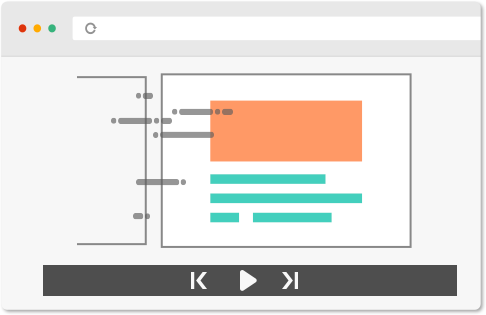
Web Presentation Viewports

Stream curriculum slide decks directly through modern web browsers, ensuring consistent layout presentation across school and home networks.

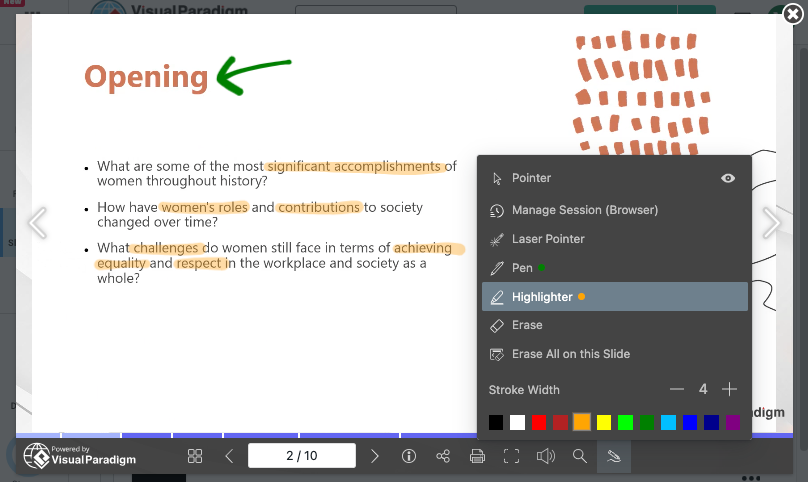
Interactive Live Markup Tools

Utilize integrated laser pointers, highlighters, and annotation pens during virtual classes to draw attention to formulas, diagrams, and key definitions.
  • Pen Tool

    Draw and emphasize key points directly on your slides.

  • Highlighter Tool

    Highlight important content to grab attention.

  • Laser Pointer Tool

    Guide your audience with precision during live presentations.

  • Session-Based Annotations

    Automatically clear annotations when you close your browser for a fresh start every time.

  • Persistent Annotations

    Keep annotations within your browser profile for continuity.

  • Universal Access

    Access your annotations anytime, anywhere, on any device

Preserved Motion & Instructional Sequencing

Maintain custom object builds, step-by-step animations, and slide transition timing so complex academic concepts unfold logically.

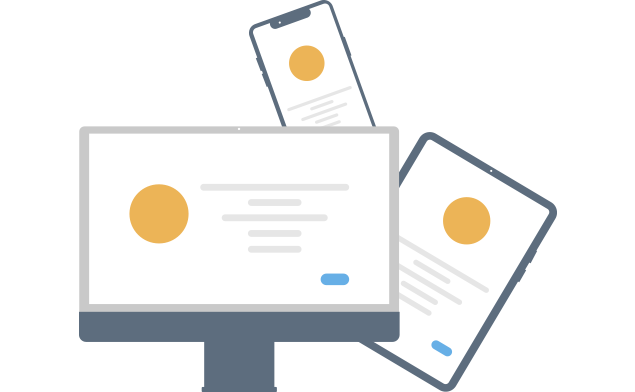
Universal Multi-Device Access

Enable students and trainees to view live lectures or self-paced course modules across laptops, tablets, and smartphones without installing local software.

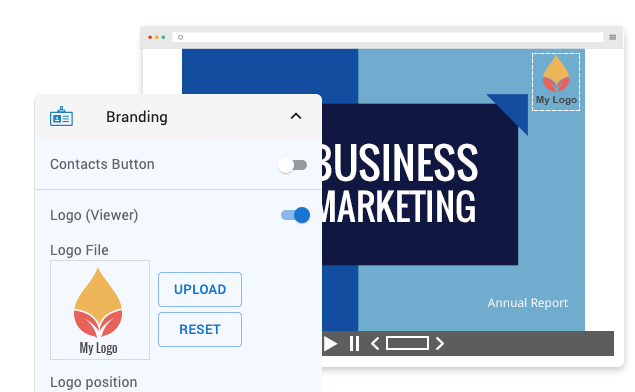
Institutional Brand Governance

Standardize course materials by embedding university or corporate training logos and uniform color schemes into published slide frames.

How Educational Webinars & E-Learning

Live Virtual Classrooms & Lectures

Deliver real-time instruction to remote student cohorts using responsive browser viewports equipped with fluid slide navigation.

Self-Paced Student Study Modules

Publish permanent presentation links allowing students to review complex lecture slides asynchronously at their own pace.

Corporate Training & Certification Seminars

Standardize training modules across distributed departments by deploying uniform web presentation links.


Key Operational Advantages for Educators

Frictionless Link-Based Sharing

Distribute course lecture decks via direct web URLs, providing students with immediate access without bulky file downloads.

Asynchronous Learning

Broadcast live presentation links during virtual classes or keep links active for on-demand student review.

Simplified Content Maintenance

Update course slide decks instantly via cloud file re-uploads, ensuring students always access current curriculum revisions.

Advance Your Visual Presentation and Modeling Workflows

Integrating browser-based presentation delivery with AI-assisted diagramming builds a clear bridge between executive communication and technical execution. Explore complete workflow tutorials to master web presentation techniques and streamline software modeling using Visual Paradigm.