


USE CASE GUIDE

TEAM COLLABORATION & PROJECT UPDATES

Strengthening Alignment Across Distributed Teams

Aligning developers, project managers, and stakeholders requires both clear slide presentations and accurate technical models. Discover how web-rendered slide decks eliminate software compatibility issues during project reviews, while AI-assisted modeling workflows in Visual Paradigm help teams rapidly translate project requirements into structured architecture diagrams and agile backlogs.

Web-Based Slide Rendering for Team Reviews

Delivering smooth project updates across distributed teams depends on reliable web rendering. Learn how browser-based slide viewports preserve precise layouts, motion timing, and animation sequences from PowerPoint files, enabling seamless project walkthroughs without requiring team members to install local software or software updates.

Live Markup & Collaborative Annotation Techniques

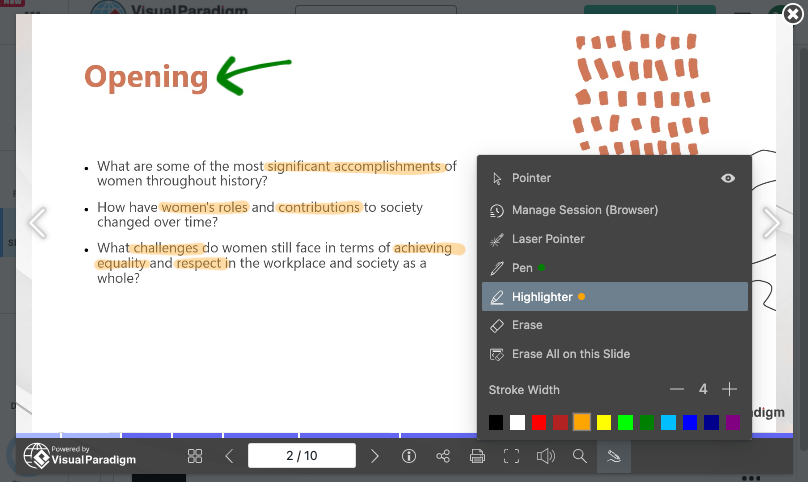
Incorporating real-time visual notes during collaborative project reviews helps teams address feedback instantly. Discover how browser-native markup tools support interactive discussion and architectural walk-throughs.
  • Pen Tool

    Draw and emphasize key points directly on your slides.

  • Highlighter Tool

    Highlight important content to grab attention.

  • Laser Pointer Tool

    Guide your audience with precision during live presentations.

  • Session-Based Annotations

    Automatically clear annotations when you close your browser for a fresh start every time.

  • Persistent Annotations

    Keep annotations within your browser profile for continuity.

  • Universal Access

    Access your annotations anytime, anywhere, on any device

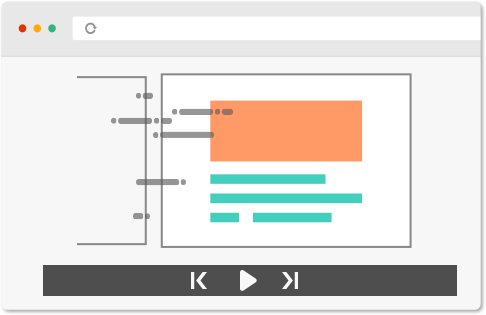
Preserving Presentation Motion and Visual Flow

Maintaining slide transitions during remote project updates ensures that complex information unfolds logically without jarring visual jumps. Discover how web presentation engines preserve custom slide timing, movement effects, and sequential object builds to deliver a polished, high-impact review experience for remote team members and key stakeholders.

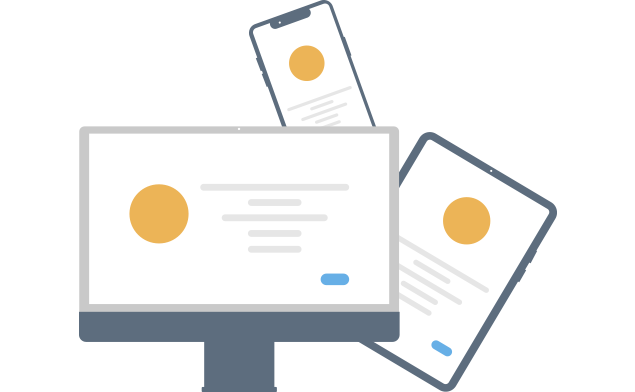
Present Anywhere, Anytime

Modern project teams operate across diverse hardware, operating systems, and remote environments. Learn how cloud-hosted presentation viewports and web-based system models allow project managers and engineers to access, present, and review critical project decks from any browser-enabled device without software installation barriers.

Branding

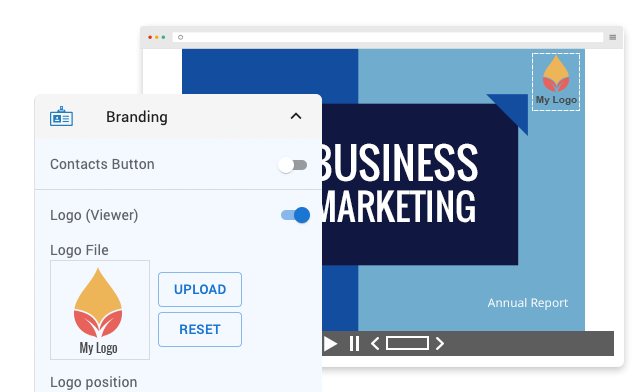
Maintaining a consistent visual identity across project updates and client status reports strengthens organization-wide professionalism. Learn how to embed custom logos, uniform typography, and unified color palettes into web-rendered slide viewports to ensure team-wide alignment and polished stakeholder deliverables.

Practical Workflow Scenarios for Project Teams

Efficient Sharing for Seamless Communication:

Distribute live project updates and sprint status decks instantly via web links, enabling team members to review progress and submit feedback without downloading attachments.

Anywhere Access for Distributed Teams:

Ensure remote and hybrid team members can access current project status slides across any desktop or mobile device, keeping everyone informed regardless of location.

Professional & Consistent Branding:

Deliver stakeholder reports and client status decks using standardized corporate logos and color schemes to maintain a unified visual identity across all project communications.

Customizable Presentations for Clear Communication:

Tailor project updates with clear slide layouts and visual annotations to ensure technical metrics, timelines, and action items are clearly understood.


Key Operational Advantages for Collaborative Teams

Cross-Device Accessibility

Cloud-hosted web viewports ensure consistent presentation layout, slide timing, and visual parity across desktop, tablet, and mobile browsers.

Seamless Collaboration

Share direct presentation links with project stakeholders to facilitate real-time review, accelerate approval cycles, and align team deliverables.

Standardized Team Branding

Maintain corporate brand identity across distributed teams by embedding uniform color schemes, typography, and company logos into published slide decks.

Advance Your Visual Presentation and Modeling Workflows

Integrating browser-based presentation delivery with AI-assisted diagramming builds a clear bridge between executive communication and technical execution. Explore complete workflow tutorials to master web presentation techniques and streamline software modeling using Visual Paradigm.